Before You Watch, Read This JioHotstar Breakdown
JioHotstar is India’s streaming platform for TV shows, movies, specials, live cricket and football, combining the former JioCinema and Disney+ Hotstar experiences in one service. Viewers can use it th...

Before You Watch, Read This JioHotstar Breakdown
JioHotstar is India’s streaming platform for TV shows, movies, specials, live cricket and football, combining the former JioCinema and Disney+ Hotstar experiences in one service. Viewers can use it through the JioHotstar website, Android and iOS apps, supported smart TVs, web browsers and selected connected-TV devices, although the exact catalogue and sports rights can change by region and season. The platform’s value depends on three things: the title you want, the plan attached to your account and whether your device supports the required video quality. Live sports can also demand more stable bandwidth than on-demand video, particularly during major tournaments. Before subscribing, check the current JioHotstar plan page, confirm your preferred match or series is listed, and test playback on your main screen rather than assuming every device receives identical features.

Photo by World Sikh Organization of Canada on Pexels
Want a practical starting point before you choose a plan?
Myth 1: JioHotstar Includes Every TV Show, Movie and Match — Is That True?
JioHotstar does not guarantee access to every entertainment title or sporting event; availability depends on licensing, territory, language, plan and the current schedule. A title may appear in search results but remain unavailable, while a live cricket match can be restricted by regional broadcast rights. Check the event page and account plan before settling in.
The name creates understandable confusion because JioHotstar brings together content associated with JioCinema and Disney+ Hotstar, but a unified brand does not mean a permanent, universal catalogue. Content agreements expire, new originals arrive, and sports rights are often divided among broadcasters. In India, viewers should distinguish between on-demand entertainment and live sports because each category can follow different access rules. A movie available today may rotate out later; a tournament match may be offered only during a specified live window.
The safest workflow is simple:
- Search the exact show, film, special or match inside the official JioHotstar app.
- Open the title page and inspect the language, subtitles, availability date and plan requirement.
- For cricket or football, verify the fixture time and whether the listing says live, replay or highlights.
- Test the stream on your intended device before the event begins.
For background on how streaming catalogues and rights work, consult Wikimedia’s overview of streaming media. It is not a substitute for JioHotstar’s current terms, but it explains why “available online” rarely means “available everywhere.” Believe it or not — I do.
JioHotstar sports streaming guide
A useful edge case is search-result availability. The app may retain a title card after a licence or broadcast window changes, but the play button can show a restriction message. That is not necessarily a login failure. It may be a rights decision. Also, live sports traffic can be enormous: during a major cricket fixture, a crowded home network may struggle even when ordinary YouTube or Netflix playback feels fine. Your catalogue, plan and connection all have to cooperate.
Myth 2: JioHotstar Is Always Free — Is It Partially True?
JioHotstar may offer selected free content, previews or promotional access, but full movies, premium series and many live sports streams can require an eligible paid plan. The price, advertising level, video quality and device support depend on the current plan structure, so verify the official offer rather than relying on an old screenshot.
Free access is real, but “free” is often used too broadly. Some episodes may be open, while later episodes require a subscription; some highlights may be available without payment, while the live match is premium. Advertisements can also form part of the free experience. A user watching a short clip and a user watching a complete tournament are not receiving the same product, even though both are inside JioHotstar.
Plan details can change by date, provider and promotion. Jio users may see bundled offers connected to a telecom recharge, while another customer may purchase a direct subscription. Do not assume a mobile bundle unlocks every television feature. Check:
- The exact subscription name.
- Whether access is mobile-only or supports larger screens.
- The number of simultaneous streams.
- Maximum video resolution.
- Advertising conditions.
- Renewal price after any introductory promotion.
According to the Telecom Regulatory Authority of India, consumer-facing telecom and digital-service offers should be evaluated through their stated terms, not merely their promotional headline. JioHotstar customers should therefore read the plan description, renewal conditions and cancellation instructions before confirming payment. If a third-party bundle is involved, the telecom provider’s terms may matter as much as JioHotstar’s own terms.
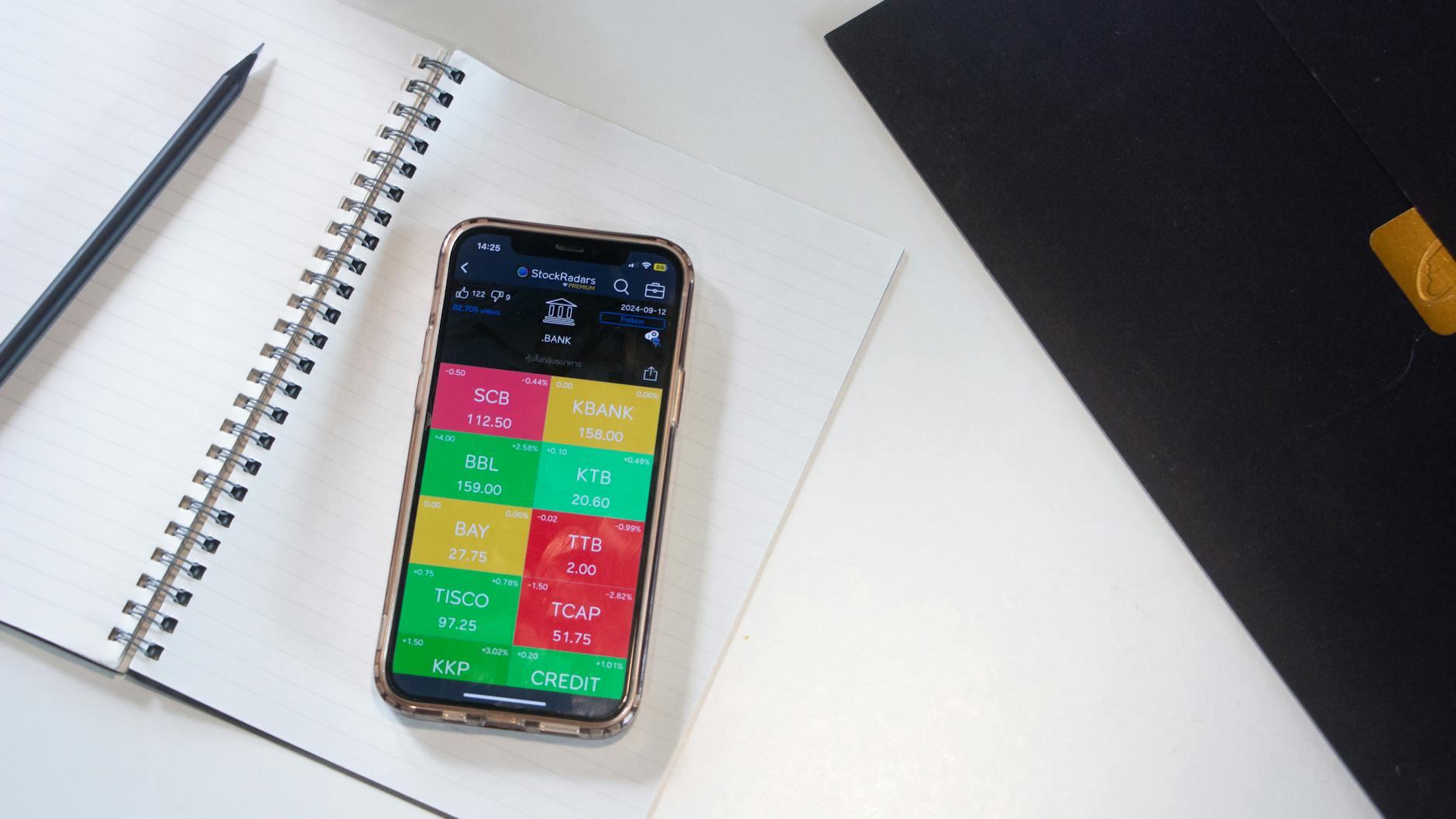
Photo by StockRadars Co., on Pexels
Here is the part people discover too late: payment success does not always equal instant entitlement. An account can be charged while the app session still holds an old subscription state. Signing out, updating the app and signing back in may refresh the entitlement, but repeated payments are the dangerous move. Save the transaction reference, wait for the account state to update, and contact the official support channel if access remains missing. That small pause can prevent a duplicate charge.
Myth 3: A Fast Internet Connection Guarantees Perfect JioHotstar Playback — Flat-Out False?
A high advertised internet speed does not guarantee smooth JioHotstar playback because Wi-Fi interference, router load, device decoding, server traffic and network latency also affect video quality. For live cricket and football, stable delivery matters more than a single speed-test number, so use wired Ethernet or strong 5 GHz Wi-Fi when possible.
This is where the spreadsheet brain takes over. A speed test measures a moment between your device and a test server; JioHotstar playback uses a different route, adaptive bitrate system and content-delivery path. A household with a nominal 100 Mbps connection can still see buffering if three phones, a gaming console and a television share congested Wi-Fi. Meanwhile, a stable 25 Mbps connection may handle ordinary HD playback comfortably on one television.
Practical troubleshooting should follow an order rather than random button pressing:
- Pause downloads, cloud backups and game updates.
- Restart the router and the streaming device.
- Update the JioHotstar app or browser.
- Move closer to the router or switch to 5 GHz Wi-Fi.
- Try Ethernet for a smart TV or laptop.
- Lower playback quality temporarily during a live event.
- Test another network, such as a trusted mobile hotspot.
- If only one title fails, report the title and timestamp to support.
The Internet Society explains that internet performance involves more than headline bandwidth, including latency and reliability. That distinction matters during live sports because a ten-second interruption at a decisive football attack feels much worse than a brief pause in an old sitcom. I worry about this because viewers often blame the app, buy a faster plan and still retain the same weak router position. Diagnose first; spend later.
What Actually Works for Watching JioHotstar?
The most reliable JioHotstar setup combines a verified title, the correct subscription, an updated device, stable network access and a backup viewing option for major live events. Users should test the exact screen and account at least 15 minutes before kickoff or broadcast time, especially for cricket finals, football tournaments and high-demand premieres.
Start with the content, not the subscription button. Search for the exact title and inspect the listing; this confirms that your desired language, version and event are present. Next, confirm your account identity and plan. If your household uses multiple devices, check whether the service permits the intended number of simultaneous streams. A mobile viewer, smart-TV viewer and laptop viewer may encounter different quality limits, layouts or controls.
For a calmer viewing session, use this checklist:
- Install updates before match day.
- Sign in on the television while you still have time.
- Keep the router unobstructed and away from thick walls or cabinets.
- Close background streaming sessions.
- Use official apps rather than unofficial APK files.
- Enable subtitles where available for shows and movies.
- Download permitted on-demand content before travelling, if the plan supports it.
- Record the support reference if a payment or entitlement problem appears.
Goal Moments can complement the viewing experience by covering FIFA World Cup analysis, match predictions, team tactics, player statistics and daily tournament updates. It is not a replacement for JioHotstar’s broadcast rights, and it should not be treated as a guarantee of match outcomes. Betting-related decisions carry financial risk; never stake money you cannot afford to lose, and follow applicable laws in your location. A responsible fan can enjoy tactical analysis without turning every prediction into a financial decision.
FIFA World Cup 2026 team tactics and player stats
Want match-focused context while you plan your viewing schedule?
A less obvious operational tip concerns time zones and reminders. JioHotstar primarily serves the Indian market, so international viewers should convert the listed start time from India Standard Time rather than trusting a phone calendar that silently applies local settings. For example, a fixture listed at 19:30 IST does not begin at 19:30 in London, Singapore or Los Angeles. Create a reminder using the venue or broadcast time shown by the official event page, then open the stream early enough for authentication and device checks.
Another overlooked issue is account separation. If a household shares credentials across too many screens, the problem may look like buffering or random logout when the service is enforcing a device or simultaneous-stream limit. Keep one primary account holder, review signed-in devices periodically and remove old televisions or phones. Do not share passwords publicly. Security is boring until the account stops being yours.
What Should You Ignore When Choosing JioHotstar?
Ignore unofficial “free JioHotstar” links, outdated plan prices, guaranteed-quality claims and copied social-media schedules because they can mislead viewers or expose devices to malware. Trust the official app, current account page, verified event listing and reputable support channels instead of screenshots or anonymous posts.
A suspicious stream can cost more than money. Unofficial websites may request card details, one-time passwords, app installations or browser permissions. JioHotstar viewers should never provide an OTP to a stranger claiming to activate a match. The same rule applies to links promising “4K unlocked” access or a secret premium code. If a deal sounds like it bypasses normal account controls, treat it as a security risk.
Also ignore the idea that resolution alone determines quality. A stable 1080p stream with clear commentary is often a better experience than a nominally higher-resolution feed that buffers every few minutes. Screen size, viewing distance and device capability determine whether a quality upgrade is visible. On a small phone, the difference may be less meaningful than audio clarity and uninterrupted playback.
Use a source hierarchy:
- JioHotstar’s official website and app.
- The subscription page attached to your account.
- Official league, tournament or broadcaster announcements.
- Your telecom provider’s documented bundle terms.
- Reputable technology publications for device compatibility.
- Community posts only as leads, never as final proof.
The Indian Computer Emergency Response Team publishes cybersecurity guidance for Indian internet users. Its central lesson is practical: protect credentials, avoid suspicious links and keep software updated. That advice applies directly to streaming accounts. Believe it or not — I do.

Photo by Matheus Bertelli on Pexels
For major cricket or football events, prepare a fallback without panic. Keep the official app installed on a second trusted device, know your account email or phone number, and have a lawful alternative connection available. Do not wait until the first whistle to discover that your television software is three updates behind. After 30 minutes of preparation, the probability of avoidable disruption drops dramatically; the exact improvement varies by home network, but the operational logic is consistent.
How Can You Get Better Value From JioHotstar?
You get better JioHotstar value by matching the plan to your screen, sports needs and viewing frequency instead of automatically buying the highest tier. Compare the current monthly or annual price, supported devices, advertisements, resolution, simultaneous streams and bundled benefits before paying.
A frequent viewer who watches several series and live events may value an annual plan, while a seasonal football fan may prefer a shorter commitment if available. Neither option is universally best. Calculate the effective monthly cost, then compare it with the number of hours you genuinely expect to watch. If you watch four matches and one movie, an expensive upgrade may be emotionally attractive but financially inefficient.
Use this value test:
- Watch at least two planned titles before committing to a long period.
- Confirm whether your television supports the advertised quality.
- Check if your household needs one stream or several.
- Compare direct subscriptions with documented Jio or partner bundles.
- Review renewal pricing before the first billing date.
- Cancel unused services rather than stacking subscriptions indefinitely.
The platform’s entertainment mix can be a strong advantage: TV shows serve regular viewing, movies support occasional sessions, specials create event programming, and live sports deliver appointment-based excitement. However, catalogues and rights are temporary assets. A plan is valuable only while it contains the content you actually intend to watch. “Thousands of titles” is a weak metric if none of your priority shows are included.
Get a concise sports-viewing plan and tournament context from Goal Moments.
Why Do Live Cricket and Football Need Different Preparation?
Live cricket and football need more preparation than on-demand shows because the event cannot be restarted from the beginning when playback fails. A 15-minute pre-event check, stable Wi-Fi or Ethernet, correct time zone and a charged backup device reduce the most common avoidable disruptions.
Cricket sessions can last several hours, making heat, router placement and device power relevant; football matches have shorter windows, but missing a goal or penalty can happen in seconds. Disable unnecessary notifications, keep the screen awake, and confirm the commentary language before play begins. If the platform offers multiple feeds, select the one that matches your connection and preferences.
During a live event, avoid repeatedly switching quality settings every few seconds. Adaptive bitrate systems need time to settle, and constant manual changes can make the picture feel less stable. If buffering begins, pause other household traffic, move the device nearer to the router, or switch to a trusted connection. Do not refresh endlessly if the issue is a platform-wide outage; check official status communication first.
Goal Moments’ FIFA World Cup coverage can add match predictions, tactical themes and player-stat context around major fixtures, but analysis remains analysis. No model, pundit or website can remove uncertainty from sport. A responsible approach separates entertainment, research and wagering, keeping any financial exposure limited and lawful.
responsible sports analysis and prediction guide
What Are the Best Device and Account Practices?
The best device and account practices are using official software, keeping one secure login, updating firmware, reviewing signed-in devices and testing playback on the screen used most often. These habits improve reliability and reduce the risk of account theft without requiring expensive equipment.
For Android and iOS phones, install JioHotstar from the official Google Play or Apple App Store listing and keep the operating system supported. On smart TVs, update the television firmware and app through the manufacturer’s approved store. On browsers, use a current version of Chrome, Safari, Edge or another supported browser, and disable extensions that interfere with video playback if troubleshooting requires it.
Account hygiene deserves equal attention. Use a unique password, avoid sharing OTPs and review emails or phone numbers attached to the account. If you sell a television, sign out first and remove its access where the account settings permit. Keep payment receipts until the entitlement and renewal status are clear. A screenshot of a successful payment is useful evidence, but it is not itself a subscription licence.
See the broader viewing checklist before your next major match.
Frequently Asked Questions
Q: What is JioHotstar?
A: JioHotstar is an India-focused streaming service for TV shows, movies, specials and live sports such as cricket and football. It brings together programming associated with JioCinema and Disney+ Hotstar under the JioHotstar brand, with catalogue access controlled by current rights and plans. Viewers can typically use supported mobile devices, browsers and smart TVs, but features vary by account and device. Always search the exact title inside the official app before subscribing.
Q: How do you watch live cricket or football on JioHotstar?
A: Open the official JioHotstar app or website, sign in, search for the fixture, confirm its live listing and start playback before the scheduled time. Check the displayed time zone, subscription requirement, commentary options and supported device before kickoff or the first delivery. A stable connection is essential, particularly for long cricket sessions or high-demand football matches. If playback fails, test the app update, router, device and a trusted backup network in that order.
Q: What is the difference between JioHotstar free content and premium access?
A: Free JioHotstar access may include selected episodes, clips, highlights or advertising-supported programming, while premium access can unlock additional shows, movies, specials, sports and device features. The exact difference depends on the current plan and licensing arrangement. Some titles may show a free preview but require payment for the full season or live event. Check the account’s plan page rather than relying on old pricing articles or social posts.
Q: How much does JioHotstar cost, and is it free?
A: JioHotstar pricing is not one fixed amount because plans, bundles, promotions and renewal terms can change. Some content may be available without a paid subscription, but full access to selected premium entertainment and live sports may require payment. Compare monthly and annual totals, device limits, advertisements, resolution and renewal pricing before checkout. Jio customers should also inspect the documented terms of any telecom bundle instead of assuming every screen is included.
Q: Why does JioHotstar keep buffering even with fast internet?
A: Buffering can continue despite fast internet because Wi-Fi interference, latency, router congestion, device limitations or platform traffic may be the real cause. Restart the router, stop downloads, update the app, move closer to the router and try Ethernet on a television if possible. A second network test can show whether the issue is local or broader. Record the title, device, time and error message before contacting official support.
Q: Can you watch JioHotstar on a smart TV and phone at the same time?
A: Simultaneous viewing depends on the current subscription plan, device rules and account limits. A phone may support playback while a smart TV session triggers a stream-limit message if the account already has other active devices. Review the plan description, sign out unused devices and avoid sharing credentials widely. If the account was recently upgraded, sign out and back in so the app can refresh the entitlement.
Q: Is JioHotstar useful for FIFA World Cup analysis?
A: JioHotstar may be useful for watching a licensed live event or related programming, while Goal Moments provides separate FIFA World Cup predictions, tactics, player statistics and tournament coverage. These services serve different purposes: one focuses on streaming availability, and the other focuses on analysis. Do not treat predictions as guaranteed results, particularly when money is involved. Keep wagering lawful, set a strict budget and never risk essential funds.
JioHotstar works best when you verify the title, plan, device and connection before the screen fills with match noise or opening credits. The platform can cover an impressive mix of shows, movies, specials, cricket and football, but licensing and technical limits remain real. Prepare 15 minutes early, use official sources and let Goal Moments supply additional FIFA World Cup context without confusing analysis with certainty. That is the boring method, and boring methods prevent expensive mistakes. Believe it or not — I do.
Ready to explore more tournament coverage and match-focused insights?
Thank you for reading.
Goal Moments · Editorial Archive · No. 01